Features that fit the consulting room

Built around QuickBooks Online, run from your own practice network, and organised around three practical dashboards that follow each patient from check-in to invoice.

Accounting

Built around QuickBooks Online

QuickVet is tightly integrated with QuickBooks Online (QBO), the accounting platform the app is built around. Your clinical and front-desk work happens in QuickVet; QBO does the accounting.

  • Live daily sales report
  • Income statement and balance sheet
  • Full stock management
  • QBO’s built-in AI agent for report generation and stock queries

Novel architecture

Runs on your practice network

QuickVet runs on a server on your own practice network, and every device on that network simply opens the app in a browser.

  • Server on your network — the app runs on a server at the practice
  • Browser access — any device on the practice network can open QuickVet
  • Up to 10 workstations — easily accommodated without slowing the system or degrading service
  • Modest hardware — no high-end server required; runs on an Intel Core Ultra 7 with 16 GB RAM

Practical workflow

Three dashboards, one patient journey

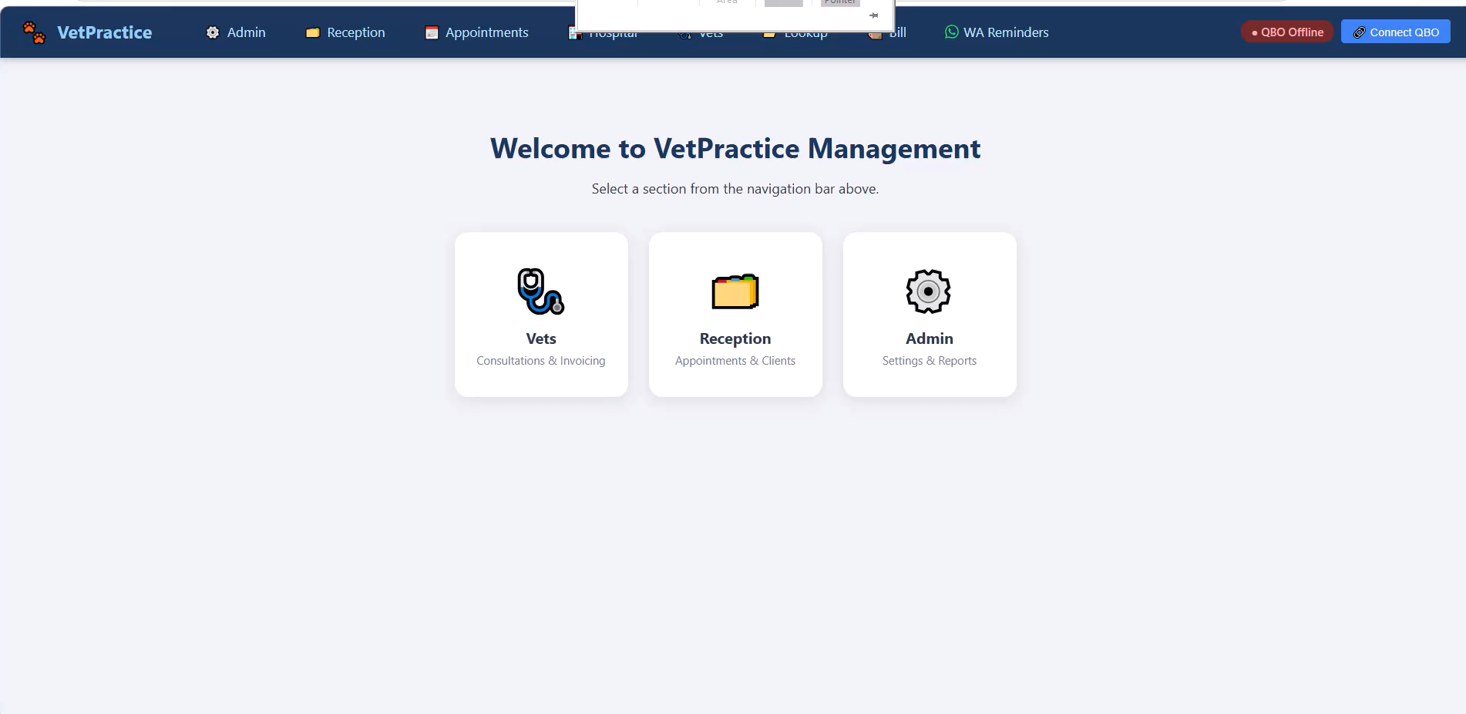
The reception dashboard, vet dashboard and hospital queue sit in the navigation bar, covering the full patient journey from check-in to invoice.

Reception dashboard

Check patients in, keep the front desk moving and take payment — all from one screen.

  • Search for a patient and add them to the vet’s queue, or admit them to the hospital queue
  • Print admission and consent forms
  • View recent completed transactions and receive payments
  • Point of sale for over-the-counter medication, accessories, food and more

Vet dashboard

Everything the vet needs during and after a consult: the day’s queue, the patient’s history, the transaction and the follow-up — with dosing, stock and client communication built in.

Queue & patient records

  • View queue entries and previous transactions for the day
  • Add and edit clients and patients
  • Add and edit clinical notes, and attach lab results to each patient record
  • View all previous transaction lines for the selected patient

Transactions & invoicing

  • Start a new transaction for a queued patient
  • Create a new invoice for the selected patient
  • Save a transaction as an estimate, as pending while the patient is hospitalised, or as final when complete

Medication & dosing

  • Dose calculator for any medication on a transaction line
  • Dose and duration recorded on the transaction line
  • Print a medication label directly from the transaction line
  • Chronic medication repeat tracking

Stock & safety

  • Batch tracking for each stock item used
  • Allergy warning messages
  • Add a new medication or service directly from the transaction line

Client communication via WhatsApp

  • WhatsApp the owner of the selected patient, with the option to copy the message into the patient’s clinical notes
  • Schedule future-dated WhatsApp messages to be sent on that date
  • Automated reminders for chronic medication repeats, tick and flea treatments (e.g. NexGard, Bravecto) and medications (e.g. Cytopoint, Apoquel, Librela)

Protocols & automation

  • Select from pre-bundled transactions (protocols), e.g. vaccination or spay
  • Create a new protocol from an existing transaction
  • Automatic clinical note updates for standard procedures such as vaccination

Hospital queue

Admitted patients are tracked in their own queue, with their transactions saved as pending until discharge.

See QuickVet with your own workflows

Request a demo and we will walk through the features that matter to your practice.

Request a demo